Your profile and appearance
Change your name, title, department, celebration dates, and light or dark mode.
Who can use this: Everyone.
Click your avatar in the top right → Account settings.
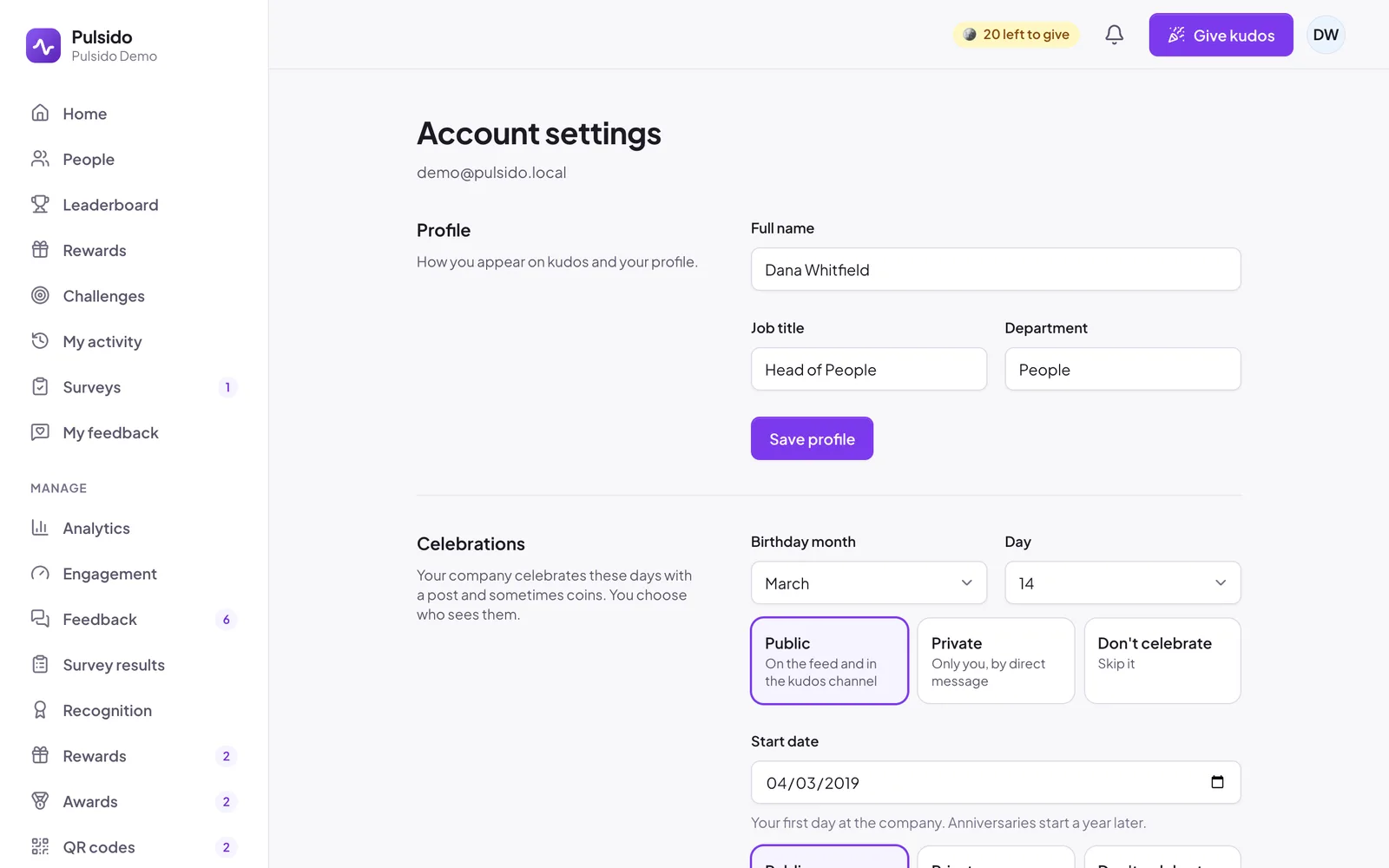
Profile#
Change your Full name, Job title, and Department, then click Save profile. This is how you appear on kudos and on your profile.
Celebrations#
If your company celebrates birthdays or work anniversaries, add your dates and choose how they're shared. See Adding celebration dates.
Notifications#
See Choosing your notifications.
Appearance#
Choose Light, Dark, or System (follows your device). It's saved on this device. You can also switch it from the avatar menu.
Still stuck?
Email us and a person will reply, usually within one working day. hello@pulsido.com