Connecting Pulsido to Slack
Add Pulsido to your Slack workspace, pick a kudos channel, and match people's Slack accounts.
Who can use this: Owners and admins, or anyone with the Integrations permission. You also need permission to install apps in your Slack workspace.
Connecting Slack lets people send kudos with /kudos, posts public kudos to a channel everyone can see, and runs the weekly round there.
Add Pulsido to Slack#
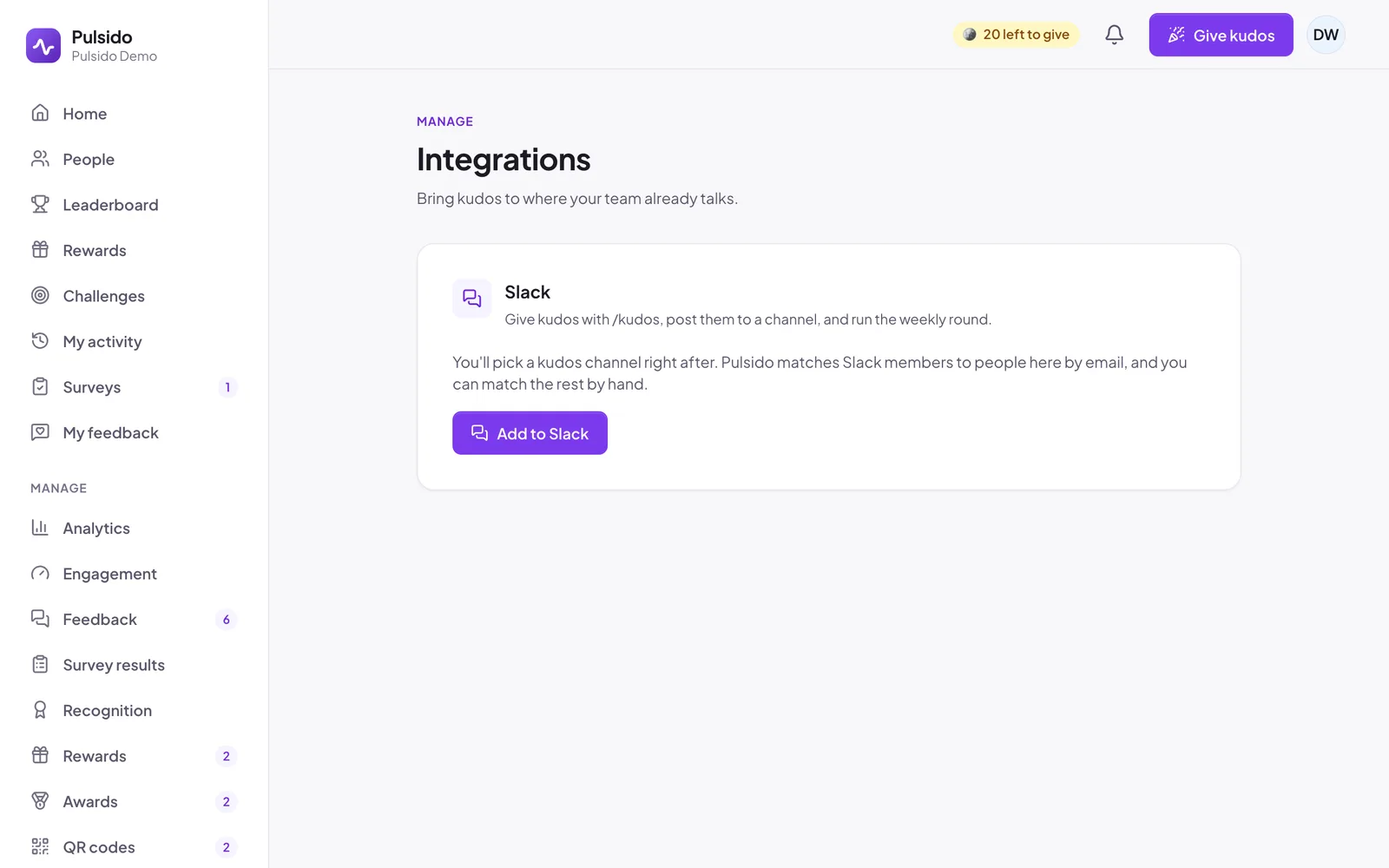
- In Pulsido, go to Manage → Integrations.
- On the Slack card, click Add to Slack.
- Slack shows what Pulsido asks for. Check that the workspace in the top right is the right one, then click Allow.
- You're back in Pulsido with a Connected badge on the Slack card.
One Slack workspace connects to one Pulsido company. If you see "That Slack workspace already belongs to another Pulsido company", someone already connected it to a different company; ask them to disconnect it first.
Pick a kudos channel#
Right after connecting, choose where public kudos go. Under Kudos channels, search for an existing channel, or type a new name to create one. The first channel you add becomes the primary channel. See Choosing your kudos channels.
Check everyone is matched#
Pulsido matches Slack members to people in Pulsido by email. Anyone whose Slack email is different shows under Slack accounts, where you can match them by hand. They can also connect themselves the first time they use /kudos. See Connecting your Slack account.
Your workspace can join#
Once Slack is connected, anyone in your workspace can join your company by clicking Continue with Slack at app.pulsido.com. See Inviting your team.
What Pulsido can do in your workspace#
Pulsido posts only in the kudos channels you choose, plus direct messages: private kudos, private celebrations, pulse surveys, and the notifications each person keeps on. It reads channel lists and members' emails so it can match people to their Pulsido accounts. Your workspace's Slack token is stored encrypted.
Still stuck?
Email us and a person will reply, usually within one working day. hello@pulsido.com