Editing or deleting a kudos
Fix a typo within 15 minutes, or ask an admin to remove a kudos.
Who can use this: Givers can edit. Owners and admins can delete.
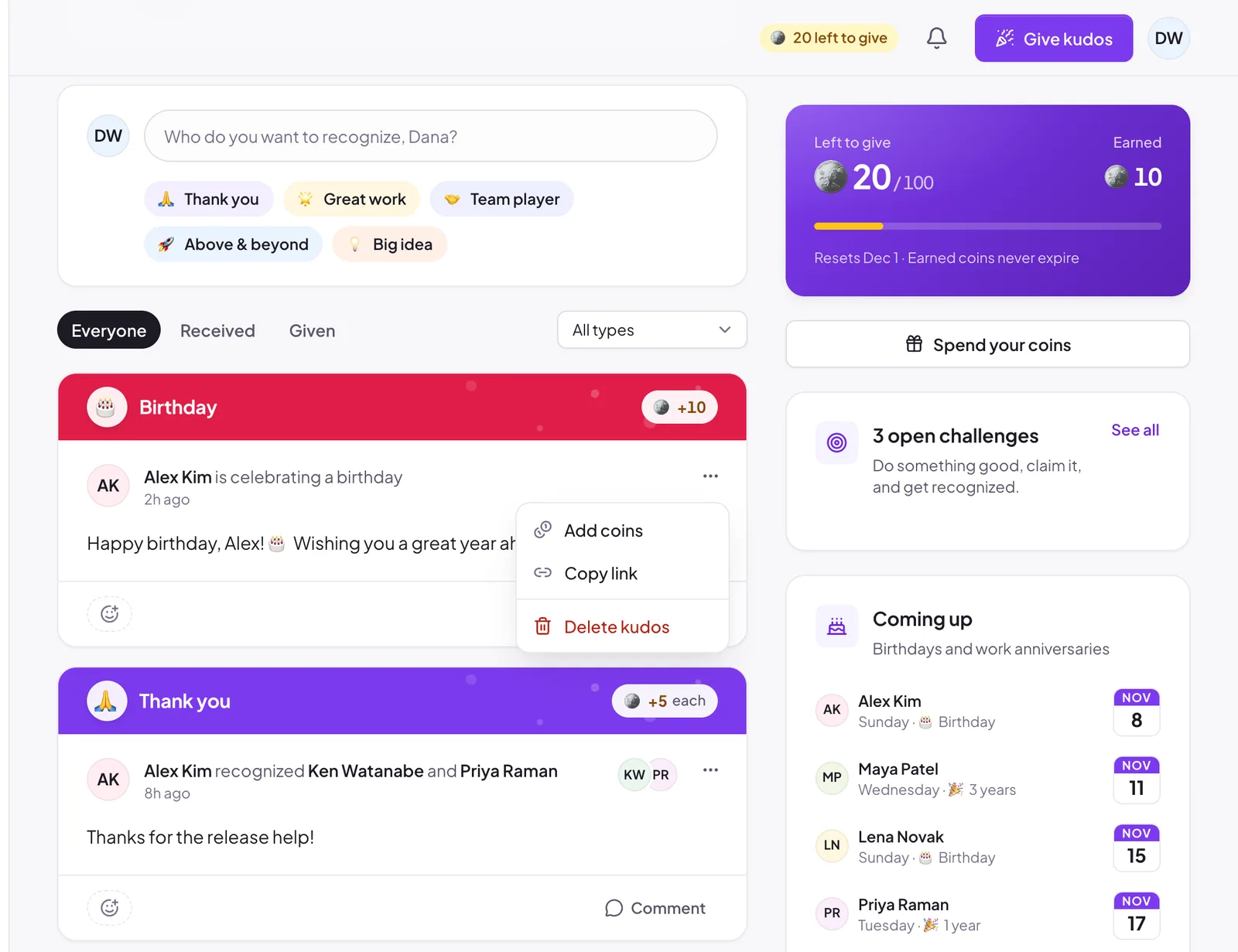
Edit your kudos#
You can change the message of a kudos you sent for 15 minutes after sending it.
- Open the ⋯ menu on the kudos and choose Edit message. The menu shows how many minutes you have left.
- Change the text and save.
The card shows that it was edited, and the Slack posts of that kudos update a few seconds later. After 15 minutes the option disappears. You can't change who it went to, the type, or the coins.
Delete a kudos#
Owners and admins can delete any kudos.
- Open the ⋯ menu and choose Delete kudos.
- Confirm.
The kudos disappears from every feed and report. Coins already given stay with the recipients; if they need to come back, an admin can adjust balances. See Adjusting balances.
Deleting in Pulsido doesn't remove the Slack message. Delete that in Slack separately.
Share a link#
Copy link in the same menu copies a link that opens the kudos in Pulsido.
Still stuck?
Email us and a person will reply, usually within one working day. hello@pulsido.com