Redeeming your coins
Spend earned coins on a reward and follow it until it arrives.
Who can use this: Everyone, when your company's store is open.
Click Rewards in the sidebar. The banner shows your coins to spend and roughly what they're worth.
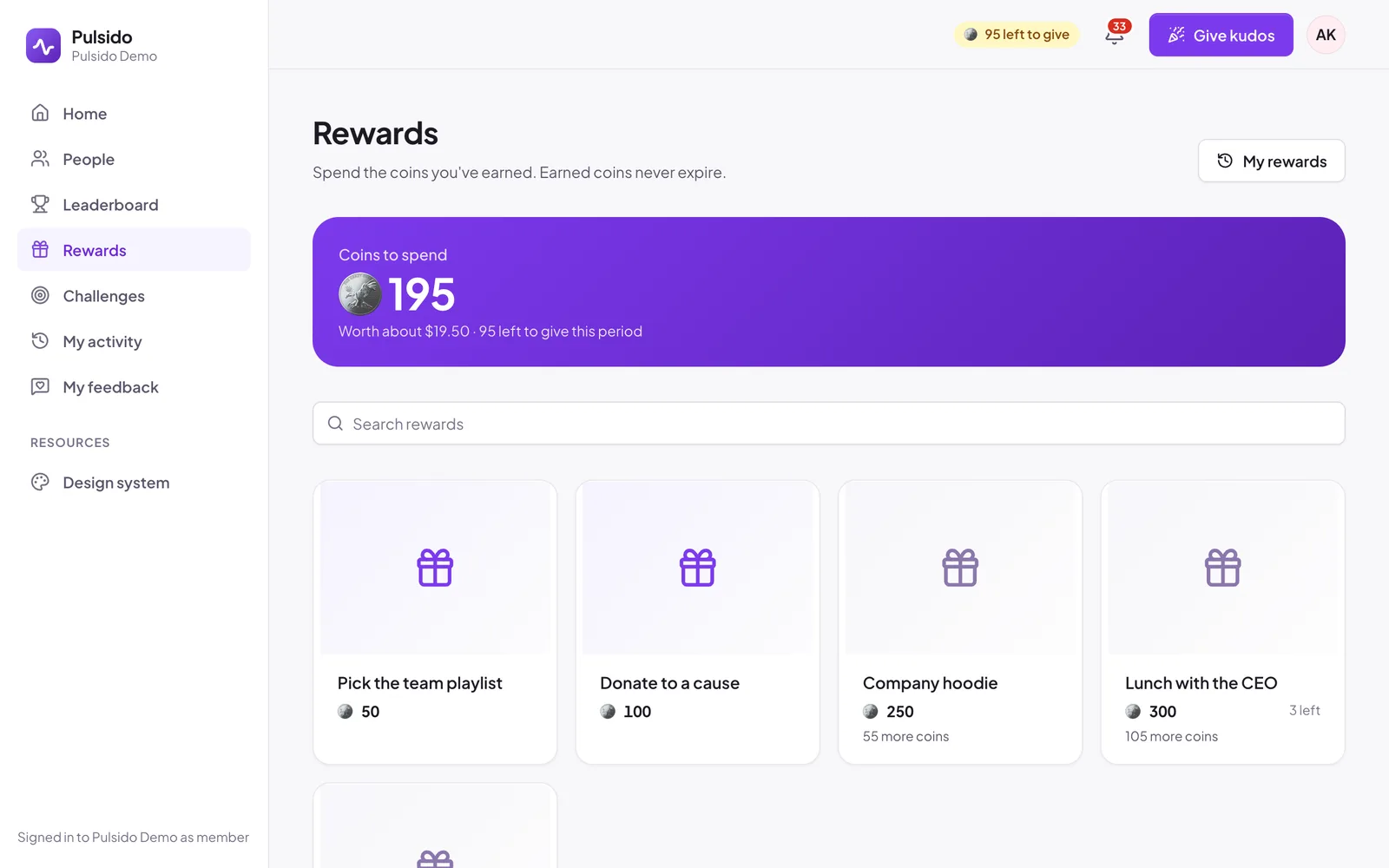
- Find a reward. Use the tabs (Company store, and Gift cards, Prepaid cards, or Donations if your company offers them) and search.
- Click it to see the details.
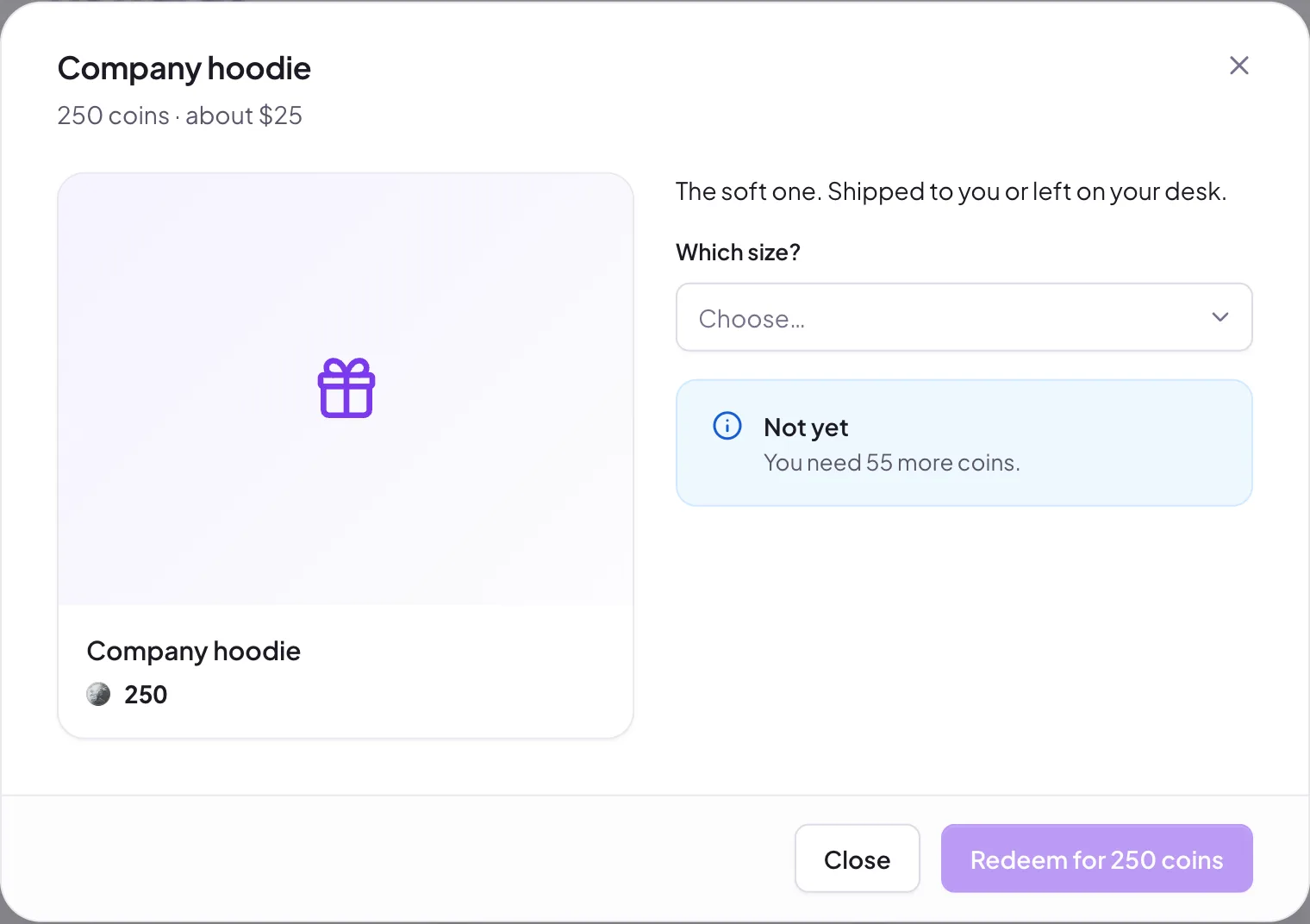
- Answer any questions, such as a size. For gifts that ship, add your address.
- Click Redeem for … coins, then confirm.
The coins leave your balance straight away and are held for the request. If it's declined or you cancel, they come back.
Gift cards and donations#
Pick an amount. The dialog shows what it costs in coins. Gift cards are emailed to you by Tremendous once approved. Donations are made by your company on your behalf.
Can't redeem?#
- You need more coins. Rewards you can't afford yet say how many more you need.
- Below the minimum. You need a minimum number of earned coins (50 by default) before your first redemption.
- Out of stock. The reward stays visible but can't be redeemed.
- The store is closed. Your admins have turned rewards off for now. Your balance is safe.
Still stuck?
Email us and a person will reply, usually within one working day. hello@pulsido.com