Sending direct rewards
Send a gift card straight from your Tremendous balance to people, teams, or outside emails, no coins needed.
Who can use this: Owners and admins, or anyone with the Rewards permission. Needs Tremendous connected.
Direct rewards are for milestones, contest winners, or people outside the company, such as contractors or candidates.
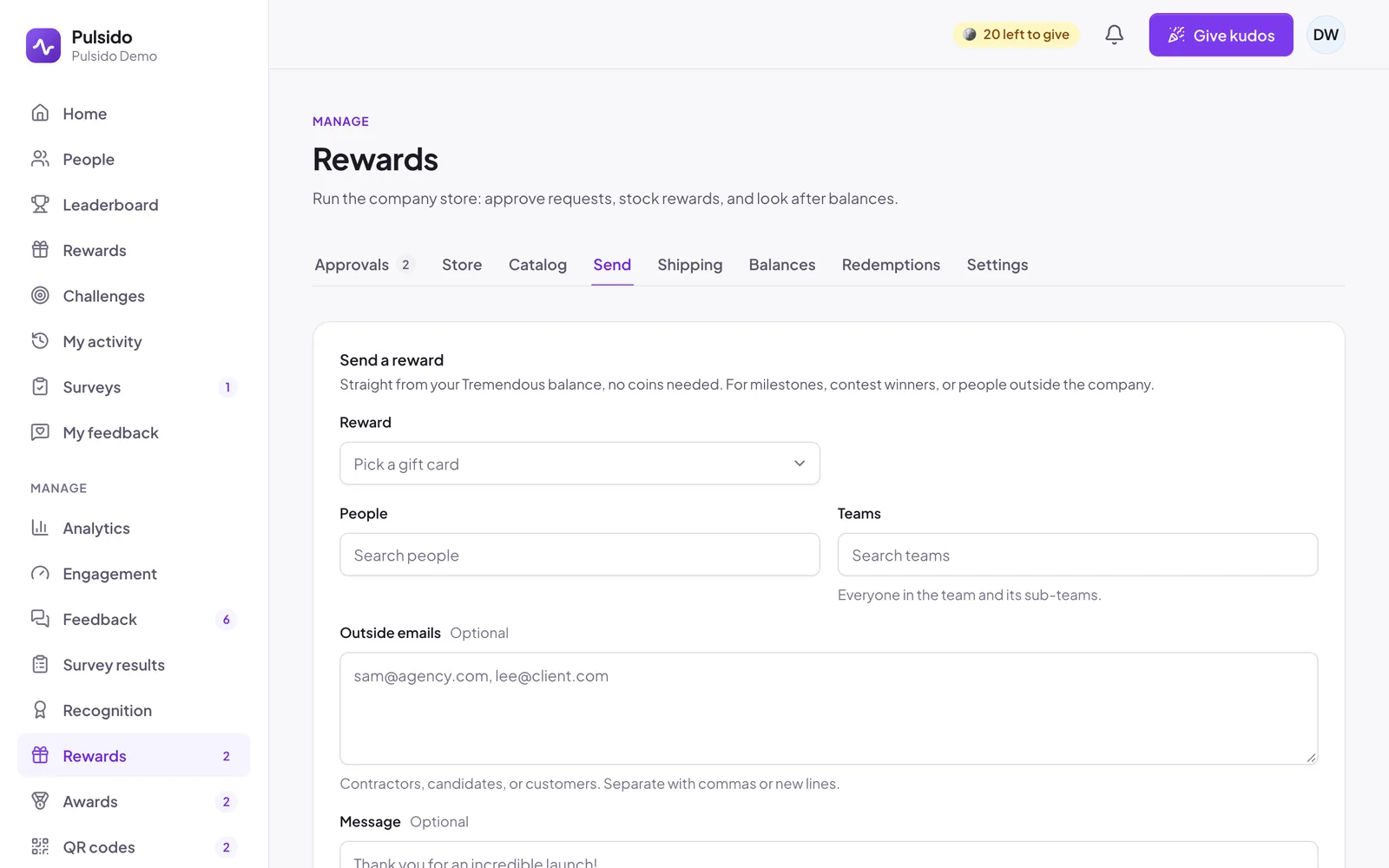
- Go to Manage → Rewards → Send.
- Pick a Reward (a gift card) and the Amount each.
- Choose People, Teams (everyone in the team and its sub-teams), and any Outside emails, separated by commas or new lines.
- Add an optional Message. It appears in the email from Tremendous.
- Click Review and send. Pulsido shows the total next to your Tremendous balance. Confirm to send.
If your balance can't cover the total, Pulsido says Not enough funds and won't send. You can send to up to 200 people at a time.
Each person gets their own order, so one problem doesn't hold up the rest. The Sent list shows each one as Queued, Ordering, Sent, or Failed, with a retry button for failures. Tremendous emails each person a link to claim their reward. Members also see it under My rewards → Sent to you.
Still stuck?
Email us and a person will reply, usually within one working day. hello@pulsido.com