Reviewing challenge claims
Approve or decline claims, one at a time or in bulk.
Who can use this: Owners, admins, and the managers of a challenge.
Go to Manage → Awards → Claims. The number next to Awards in the sidebar shows how many are waiting.
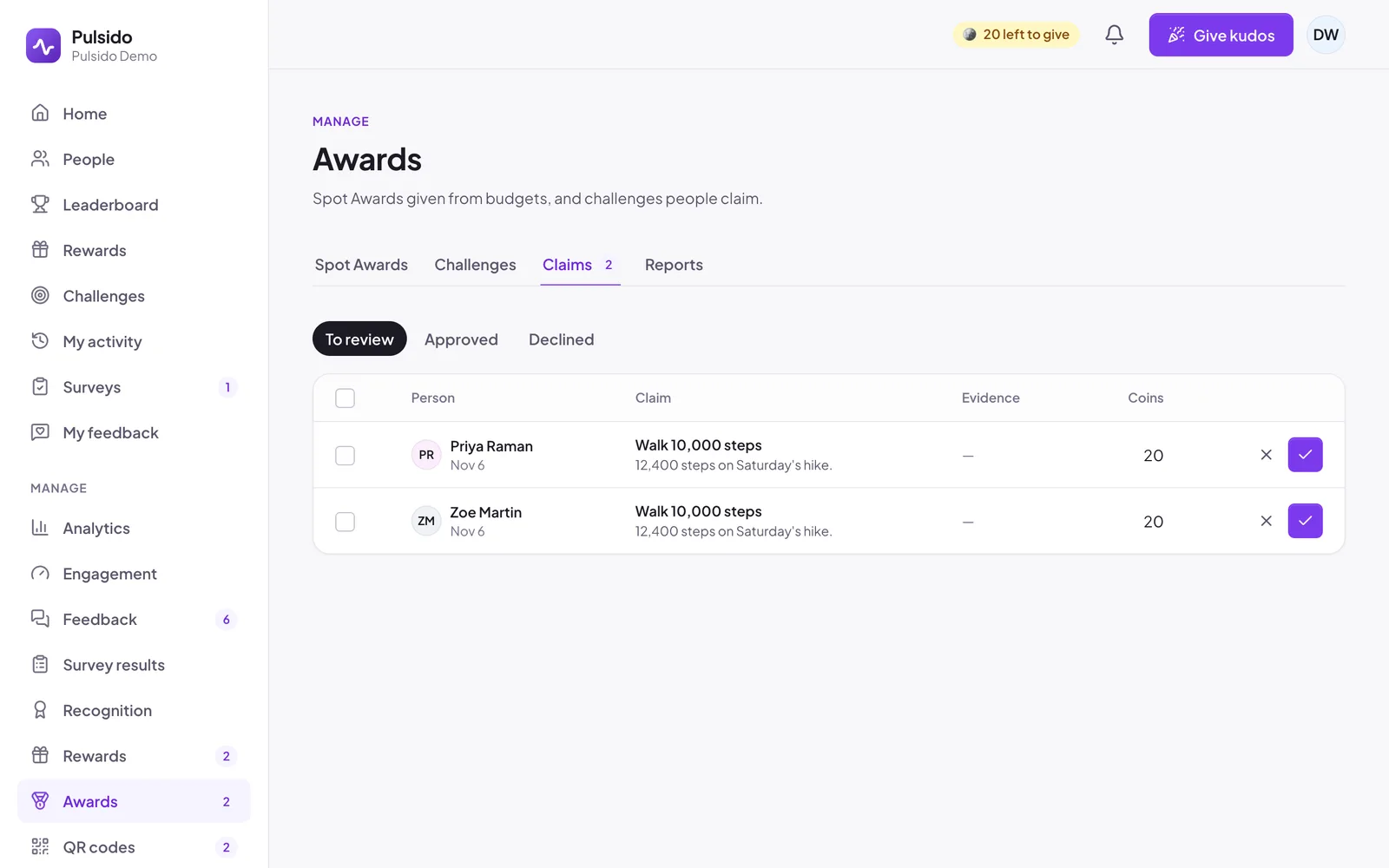
- Click ✓ to approve. The person gets the challenge's coins.
- Click ✕ to decline. Write a reason; they'll see it and can claim again while the challenge is open.
- Tick several claims to approve or decline them together.
Switch between To review, Approved, and Declined to see past decisions.
When a challenge has a limit on successful claims, it closes once that many are approved.
Still stuck?
Email us and a person will reply, usually within one working day. hello@pulsido.com