Creating a recognition QR code
A printable code that opens a kudos form, for teams away from a keyboard and for customers.
Who can use this: Owners and admins, or anyone with the Recognition permission.
QR codes bring recognition to people who don't sit at a laptop: a shop floor, a front desk, a lab. Each code has its own link and opens a short kudos form.
There are two kinds:
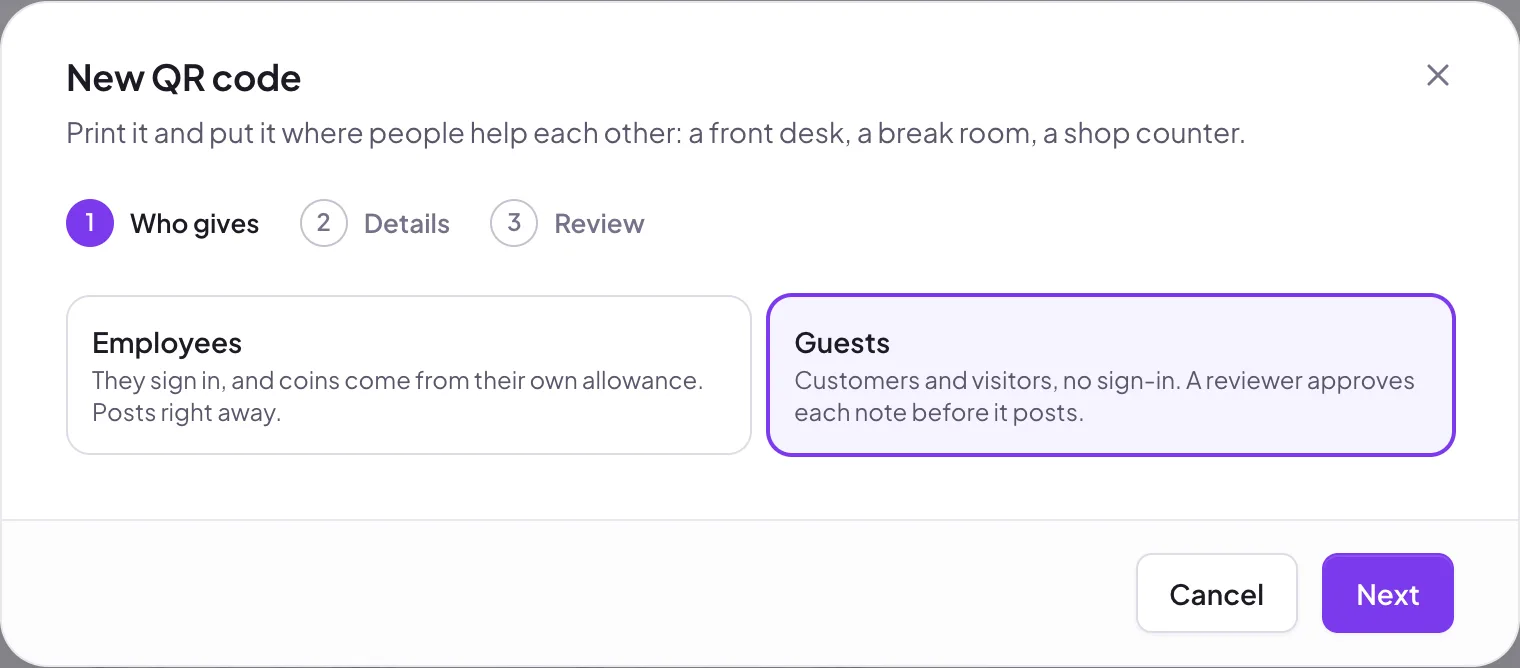
- Employees: they sign in, coins come from their own allowance, and the kudos posts right away.
- Guests: customers and visitors, no sign-in. A reviewer approves each note before it posts.
Create a code#
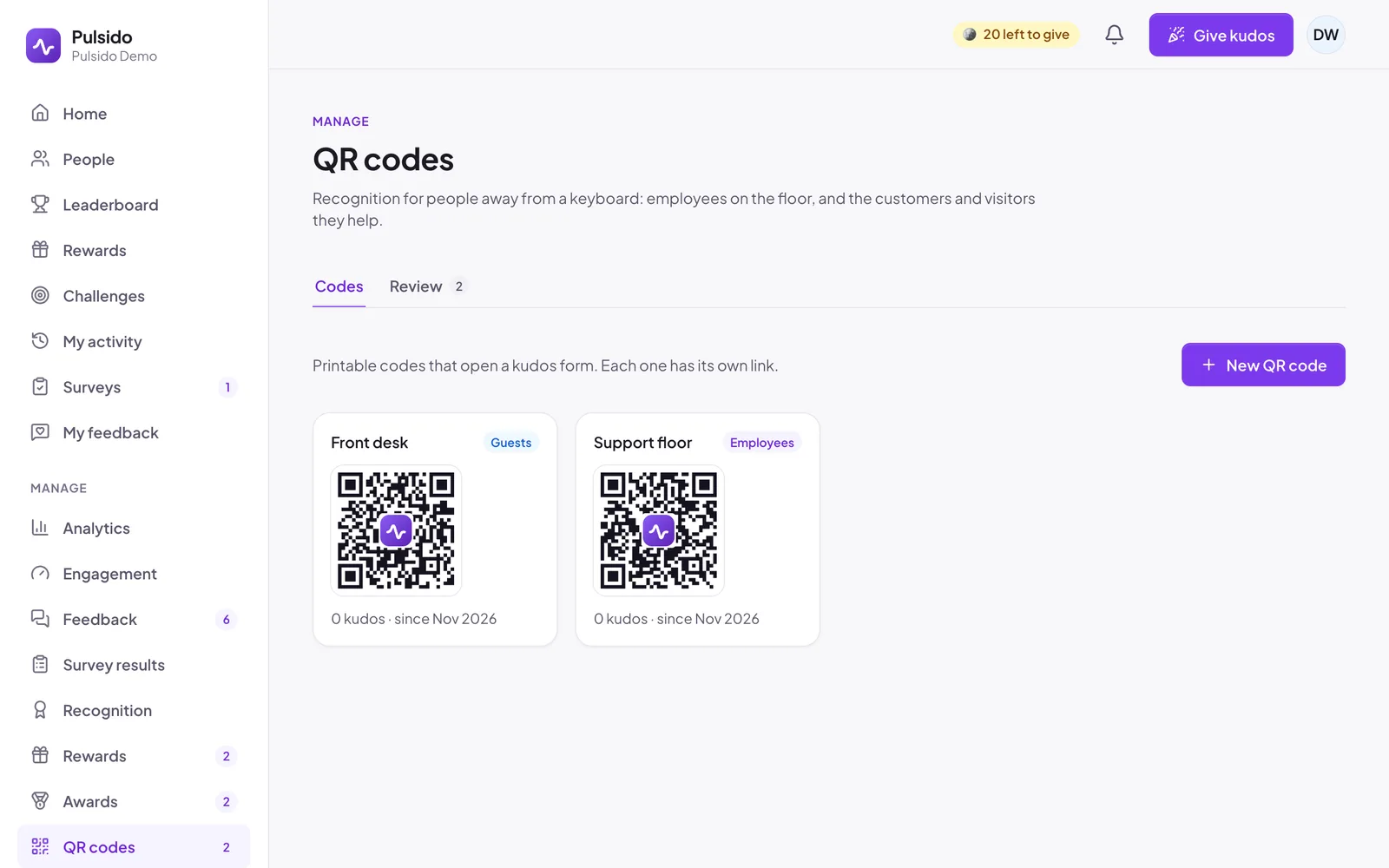
- Go to Manage → QR codes and click New QR code.
- Who gives: choose Employees or Guests.
- Details:
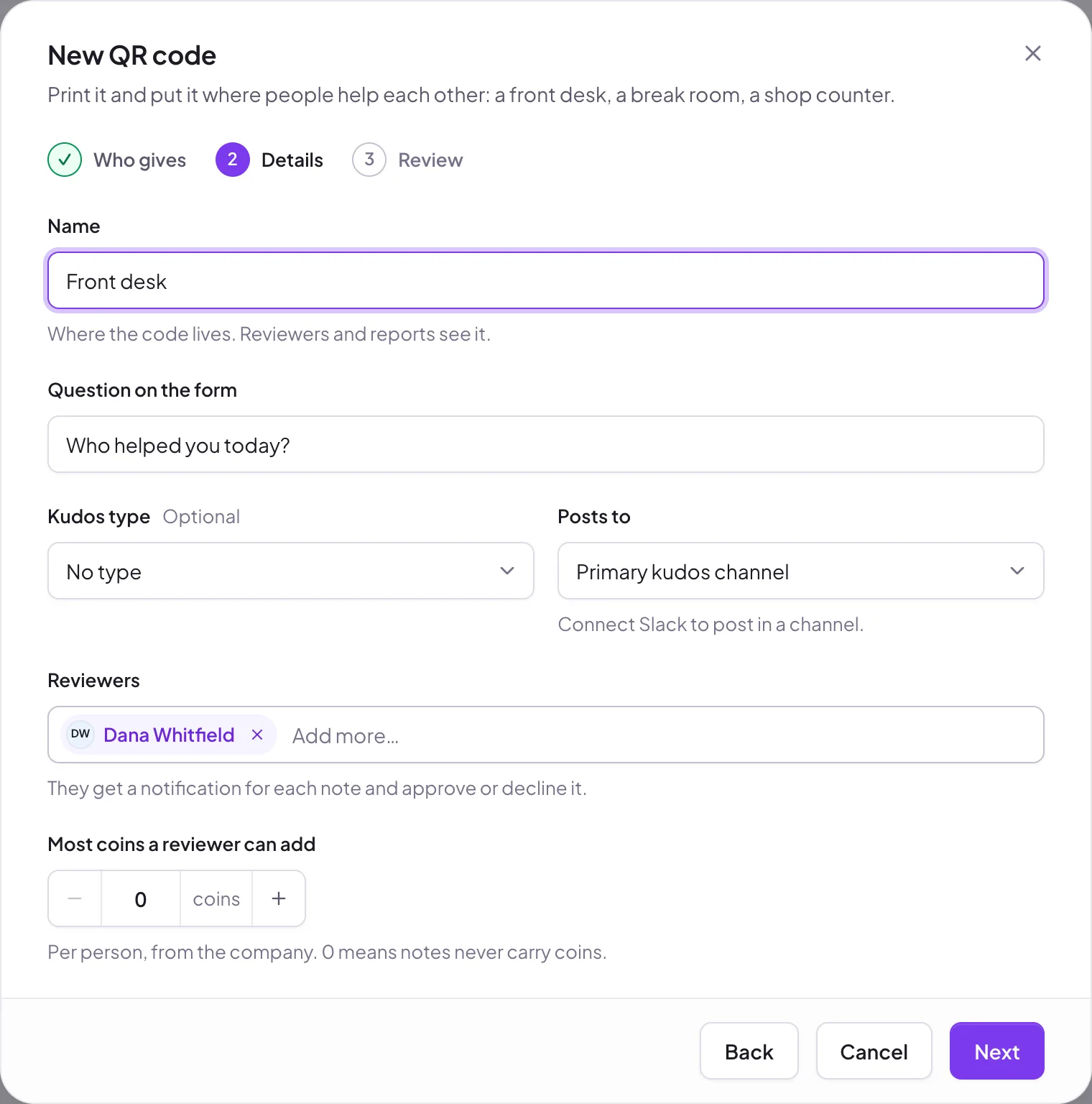
- Name: where the code lives, such as "Front desk". Reviewers and reports see it.
- Question on the form, such as "Who helped you today?"
- Kudos type (optional) and Posts to: the primary kudos channel or another kudos channel.
- For guest codes: Reviewers, who get a notification for each note; Most coins a reviewer can add per person (0 means notes never carry coins); and Keep messages out of notifications, for when guests might include phone numbers or account details.
- Review, then save.
Print it#
Open the code to Download PNG or Download SVG, Copy link, or Try it yourself first. If your company has a logo in Brand Kit, it sits in the middle of the code.
Archive a code#
Archive a code you've taken down. The printed code stops working, kudos already sent stay, and you can restore it later.
Still stuck?
Email us and a person will reply, usually within one working day. hello@pulsido.com