Member properties
Add your own fields, like location or contract type, to slice people into segments.
Who can use this: Owners and admins, or anyone with the Members permission.
Every member already has a title, department, role, teams, and hire date. Properties add anything else you want to group people by, such as location or contract type.
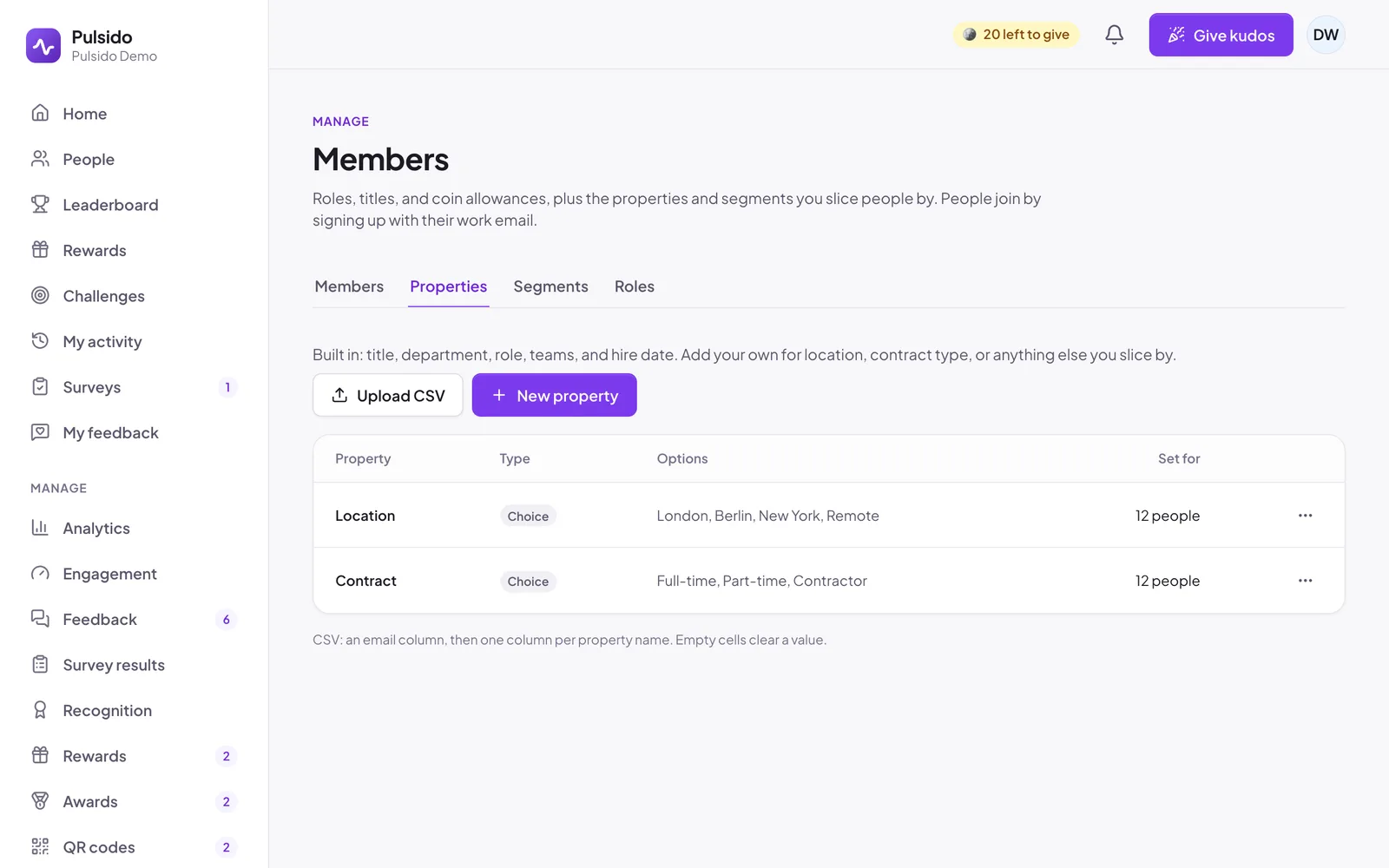
Add a property#
- Go to Manage → Members → Properties and click New property.
- Give it a Name, such as "Location".
- Choose a Type: text, choice, number, or date. For choice, list 2 to 30 options, one per line.
- Save.
The type can't change once people have values.
Set values#
- One person: open their Edit dialog on the Members tab. Properties appear at the bottom.
- Everyone at once: click Upload CSV with an
emailcolumn, then one column per property name. An empty cell clears that value.
Only admins see property values. They never appear on profiles, and Pulsido never uses them in pulse or survey results, which stay grouped by team.
Pulsido doesn't add sensitive fields like gender or ethnicity for you. If you add them, think about who can see them.
Still stuck?
Email us and a person will reply, usually within one working day. hello@pulsido.com