Segments
Saved filters over your people, for analytics, survey audiences, and the member list.
Who can use this: Owners and admins, or anyone with the Members permission.
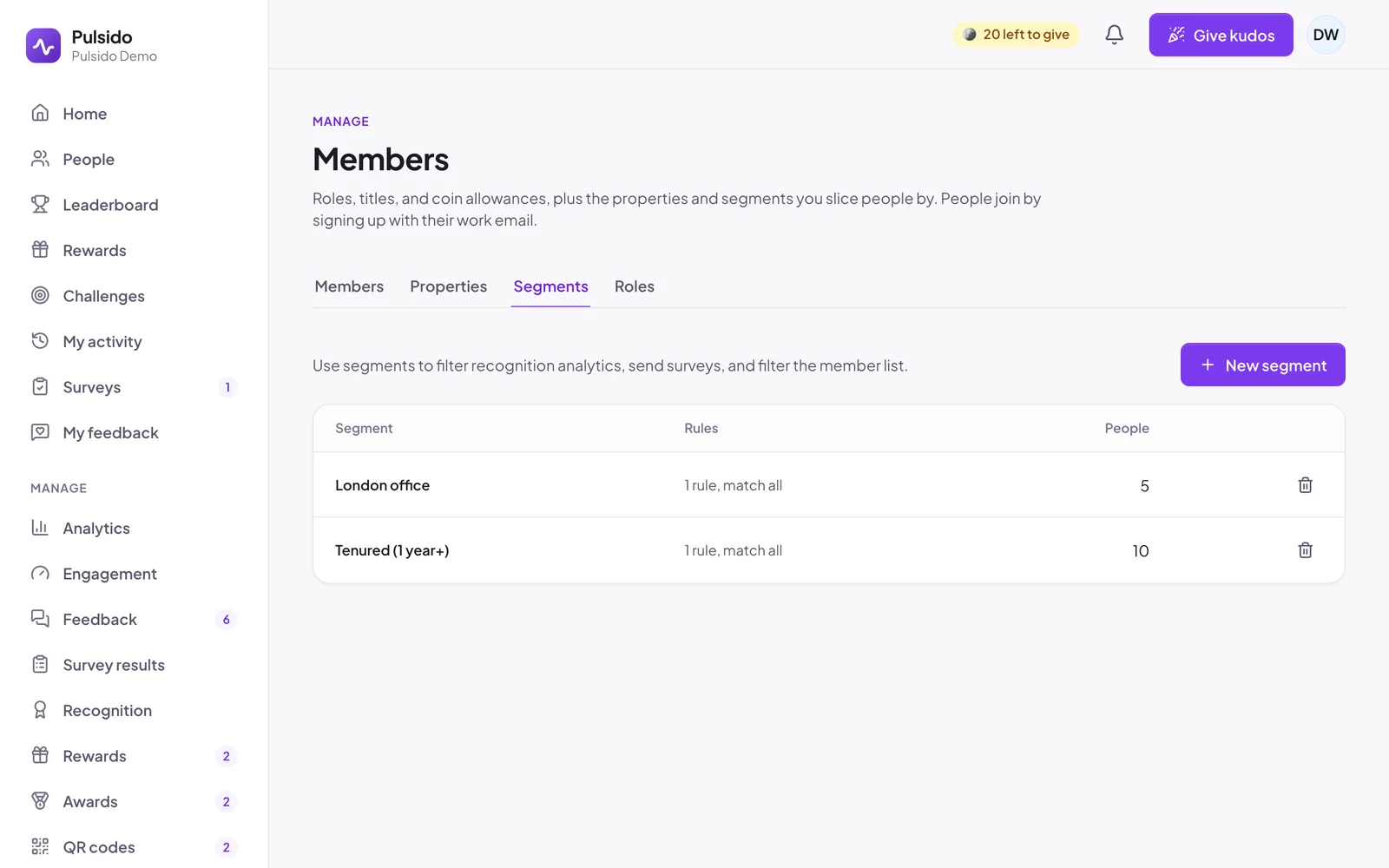
A segment is a saved filter, such as "Everyone in London with a year or more of tenure". It's worked out each time it's used, so it's always up to date.
Use segments to:
- filter Manage → Analytics,
- send a survey to just that group,
- filter the list on Manage → Members.
Create a segment#
- Go to Manage → Members → Segments and click New segment.
- Give it a Name.
- Choose whether people must match all rules or any rule.
- Add rules. Each has a field, a condition, and a value:
| Field | Conditions |
|---|---|
| Department, job title, text properties | is, is not, contains, is empty, isn't empty |
| Role, choice properties | is, is not, is empty, isn't empty |
| Team | is in (includes sub-teams), isn't in |
| Hire date, date properties | is before, is after, is empty |
| Tenure (months), number properties | is at least, is at most |
- The matching people show as you edit. Save.
Deleting a segment doesn't change surveys already sent, but recurring surveys that target it stop finding anyone, so check them first.
Still stuck?
Email us and a person will reply, usually within one working day. hello@pulsido.com