Recognition permissions
Choose who can send private kudos, send kudos to everyone, and create new kudos types.
Who can use this: Owners and admins, or anyone with the Recognition permission.
Go to Manage → Recognition → Permissions. Each setting is a choice between All members, Admins only (owners and admins), and, where it applies, No one. Click Save changes at the bottom when you're done.
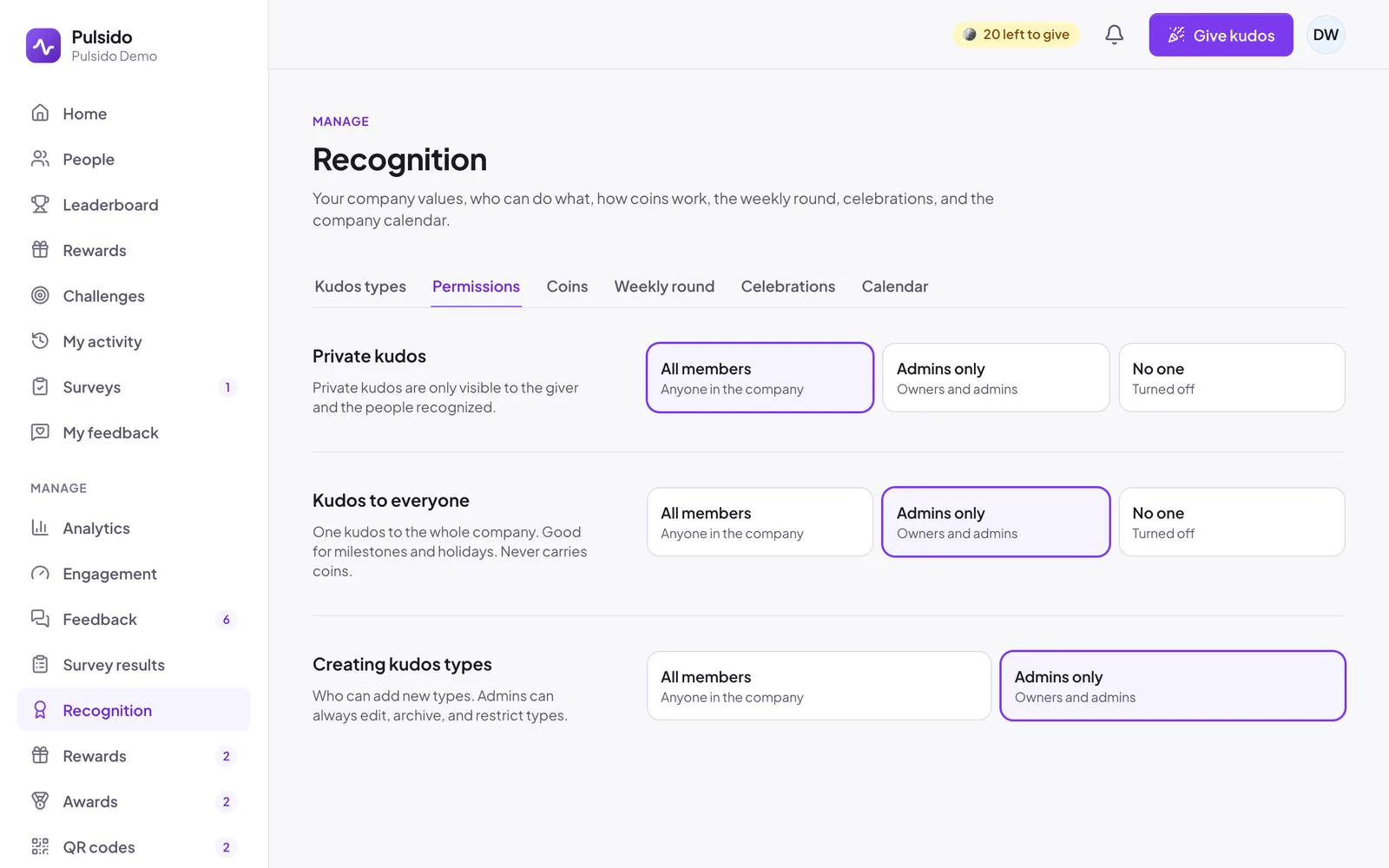
| Setting | What it controls | Default |
|---|---|---|
| Private kudos | Who can send kudos only the giver and recipients can see | All members |
| Kudos to everyone | Who can send one kudos to the whole company. These never carry coins. | Admins only |
| Creating kudos types | Who can add new types. Admins can always edit, archive, and restrict types. | Admins only |
People who don't have a permission don't see the option at all. For example, with private kudos set to No one, the Public / Private choice disappears from the kudos form.
Whether teammates can add their own coins to someone else's kudos is under the Coins tab. See Coin allowance, resets, and limits.
Still stuck?
Email us and a person will reply, usually within one working day. hello@pulsido.com