Shipping swag
Export what needs shipping, import tracking numbers, and mark items delivered.
Who can use this: Owners and admins, or anyone with the Rewards permission.
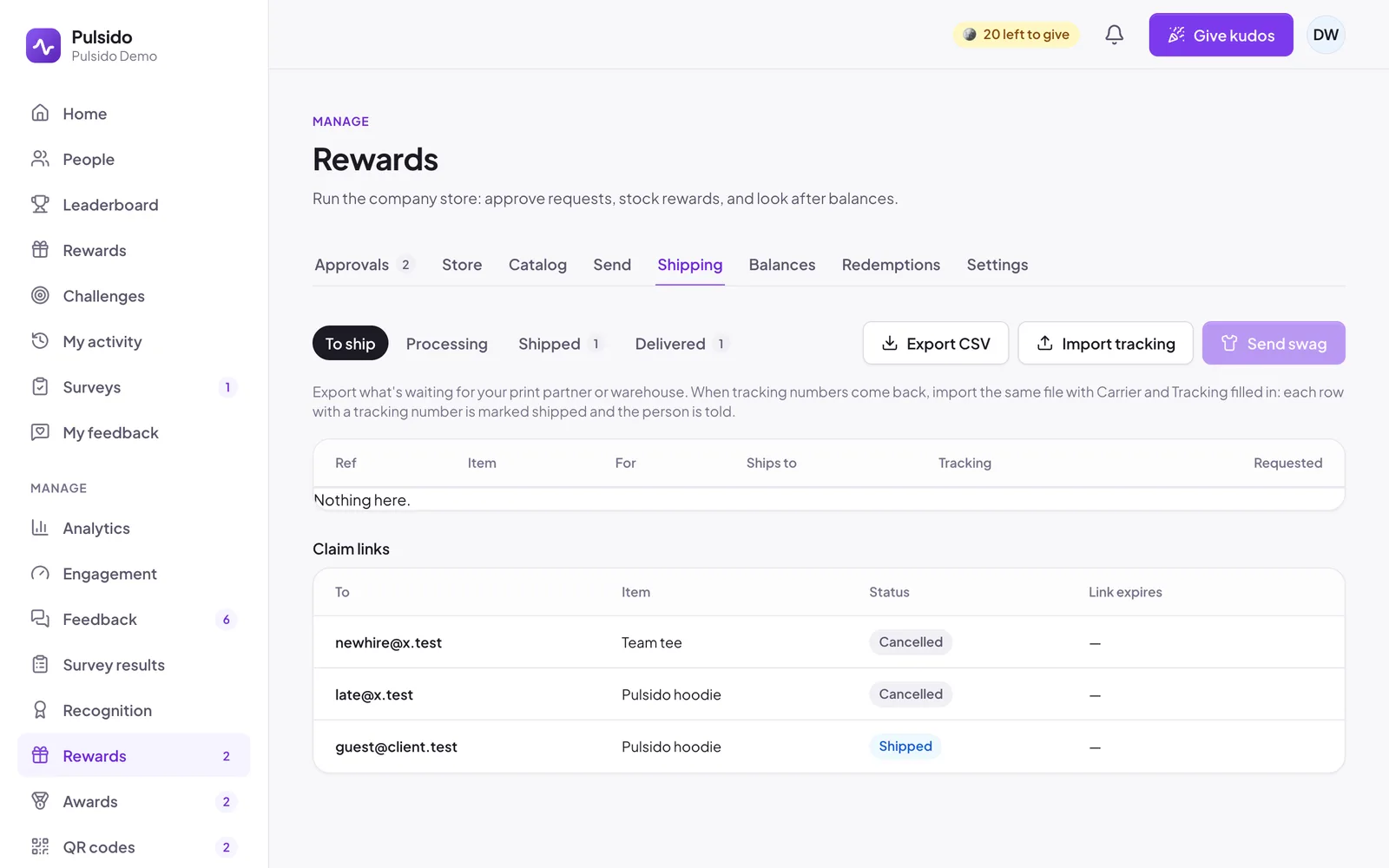
Manage → Rewards → Shipping combines approved swag redemptions and claimed links into one queue, with tabs for To ship, Processing, Shipped, and Delivered. Each item has a reference starting with R- (redemption) or C- (claim link).
Ship with a partner or warehouse#
- Click Export CSV. The file has the reference, item, options, full address, email, and status.
- Send it to your print partner or warehouse.
- When tracking numbers come back, fill in the Carrier and Tracking columns in the same file.
- Click Import tracking and choose the file.
Every row with a tracking number is marked shipped, and the person is told. Any reference Pulsido doesn't recognize is listed by row.
Ship one at a time#
Click an item to open it, then Mark processing, Mark shipped (with an optional carrier and tracking number), or Mark delivered.
Shipping sends members a notification. The tracking number also shows on their My rewards page, and on the claim page for claim links.
Still stuck?
Email us and a person will reply, usually within one working day. hello@pulsido.com