Setting up the weekly pulse
A few questions a week on how people feel about work, with an Engagement Score and eNPS.
Who can use this: Owners and admins, or anyone with the Surveys permission.
The pulse asks everyone a handful of questions each period, such as "I trust my manager to have my back". People answer in about a minute, confidentially. Over time the answers build an Engagement Score across ten areas of work, plus eNPS.
The pulse is off until you turn it on.
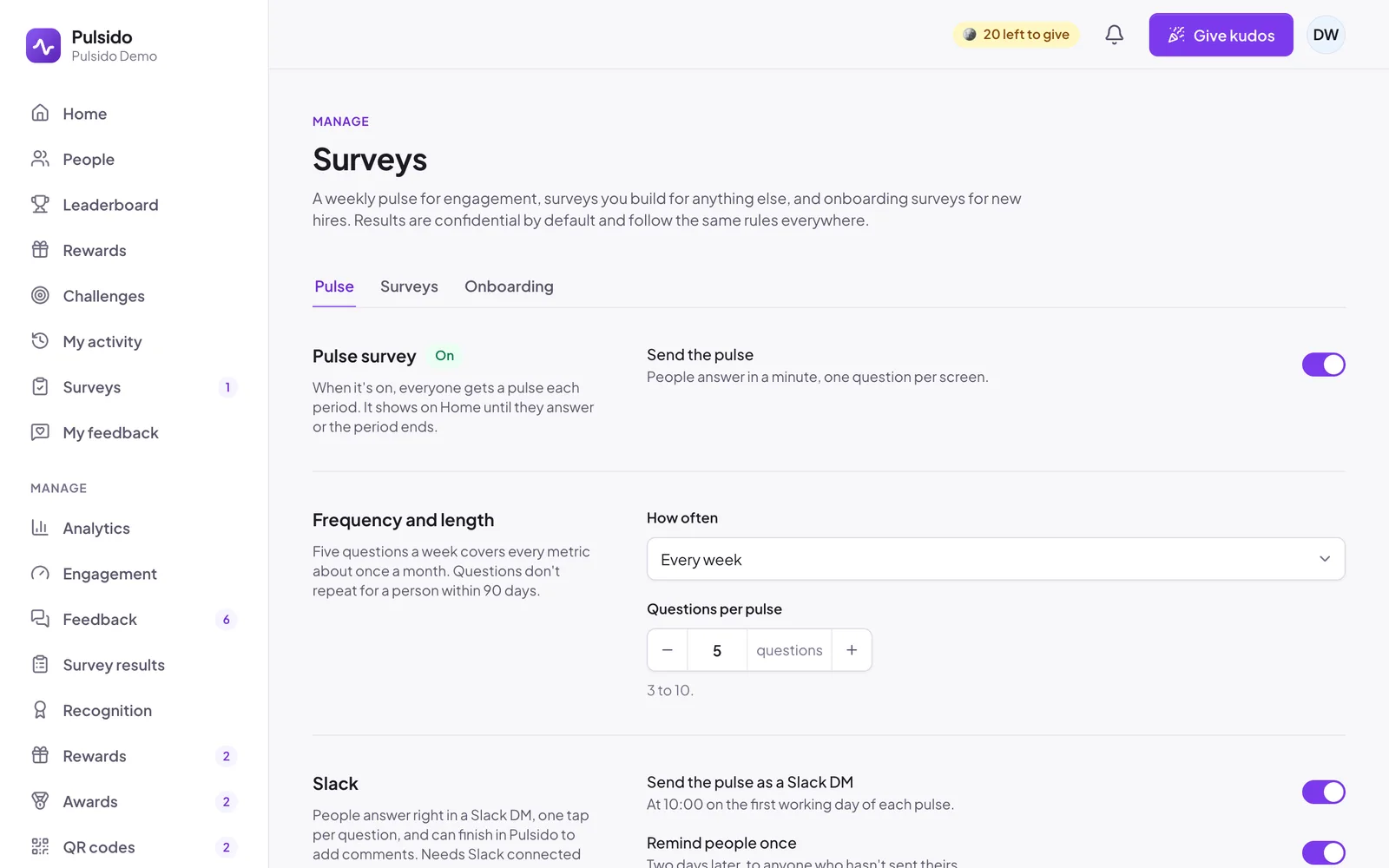
Turn it on#
- Go to Manage → Surveys → Pulse.
- Switch on Send the pulse.
- Check the settings below, then click Save changes.
Everyone then gets a pulse at the start of each period. It shows as Your pulse is ready on Home until they answer or the period ends.
Settings#
| Setting | Options | Default |
|---|---|---|
| How often | Every week (recommended), every 2 weeks, or every month | Every week |
| Questions per pulse | 3 to 10 | 5 |
| Send the pulse as a Slack DM | At 10:00 on the first working day of each pulse. Needs Slack connected. | On |
| Remind people once | Two days later, to anyone who hasn't sent theirs | On |
| Ask eNPS | "How likely are you to recommend us as a place to work?", asked first when it's due, every month or every quarter | On, every month |
| Reward | Coins credited when someone finishes a pulse. 0 turns it off. | 10 |
Five questions a week covers every area about once a month. Nobody gets the same question twice within 90 days.
Before you start#
Set up teams so managers can see results for their own people. Without teams, only owners and executives see results, for the whole company. See Setting up teams and managers.
Who sees results#
Owners, executives, and team managers. Admins set the pulse up but don't see answers. See How confidentiality works.
Still stuck?
Email us and a person will reply, usually within one working day. hello@pulsido.com