Setting up kudos types (your company values)
Add, edit, archive, and restrict the kudos types people choose from.
Who can use this: Owners and admins, or anyone with the Recognition permission. Your company can also let all members add types.
Every kudos names one kudos type. They work best as your company values, so recognition data shows which values people actually live.
New companies start with ten: Thank you, Great work, Team player, Above & beyond, Big idea, Customer love, Inclusive, Thoughtful, Keep it up, and Mentor.
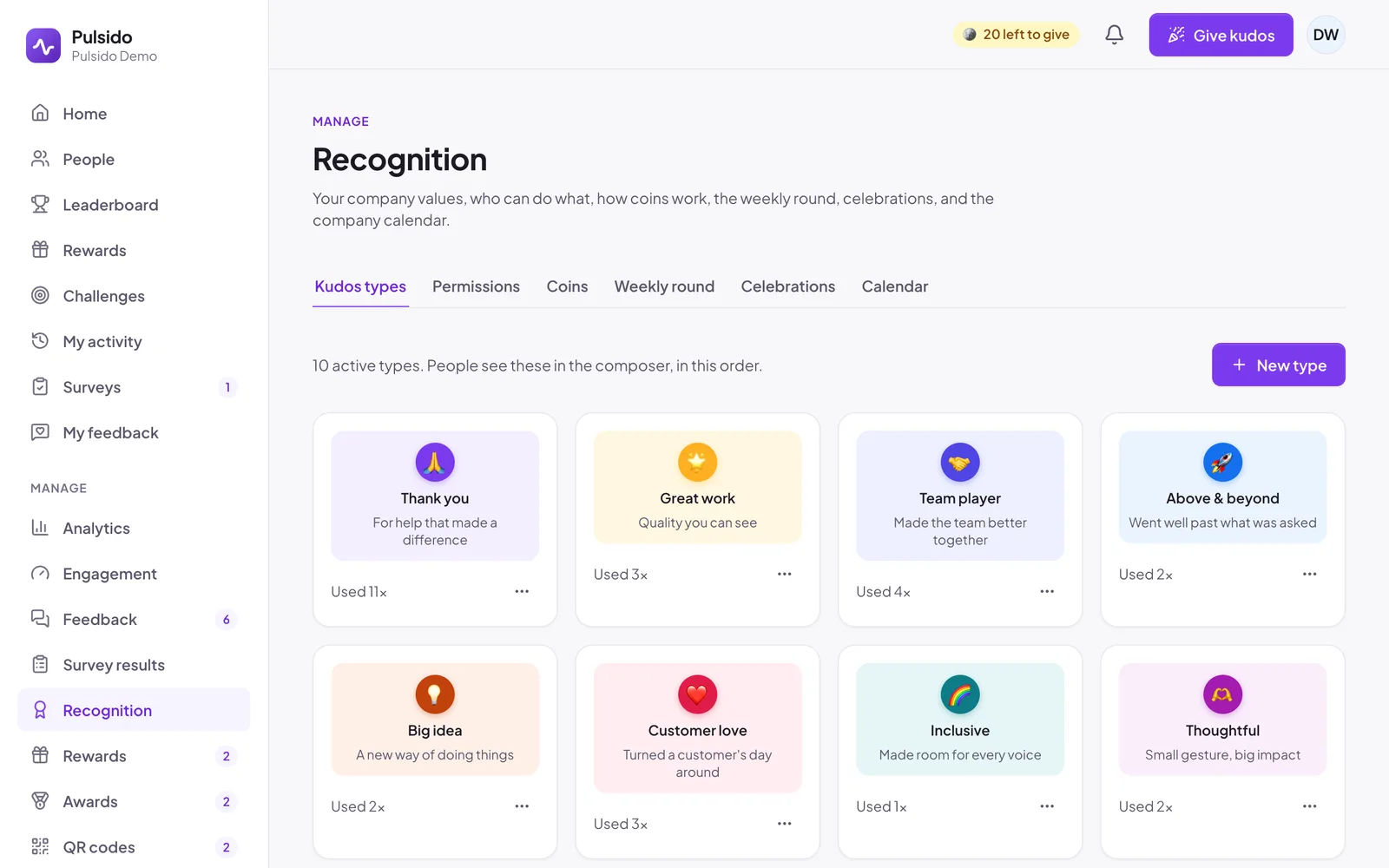
Add a type#
- Go to Manage → Recognition → Kudos types.
- Click New type.
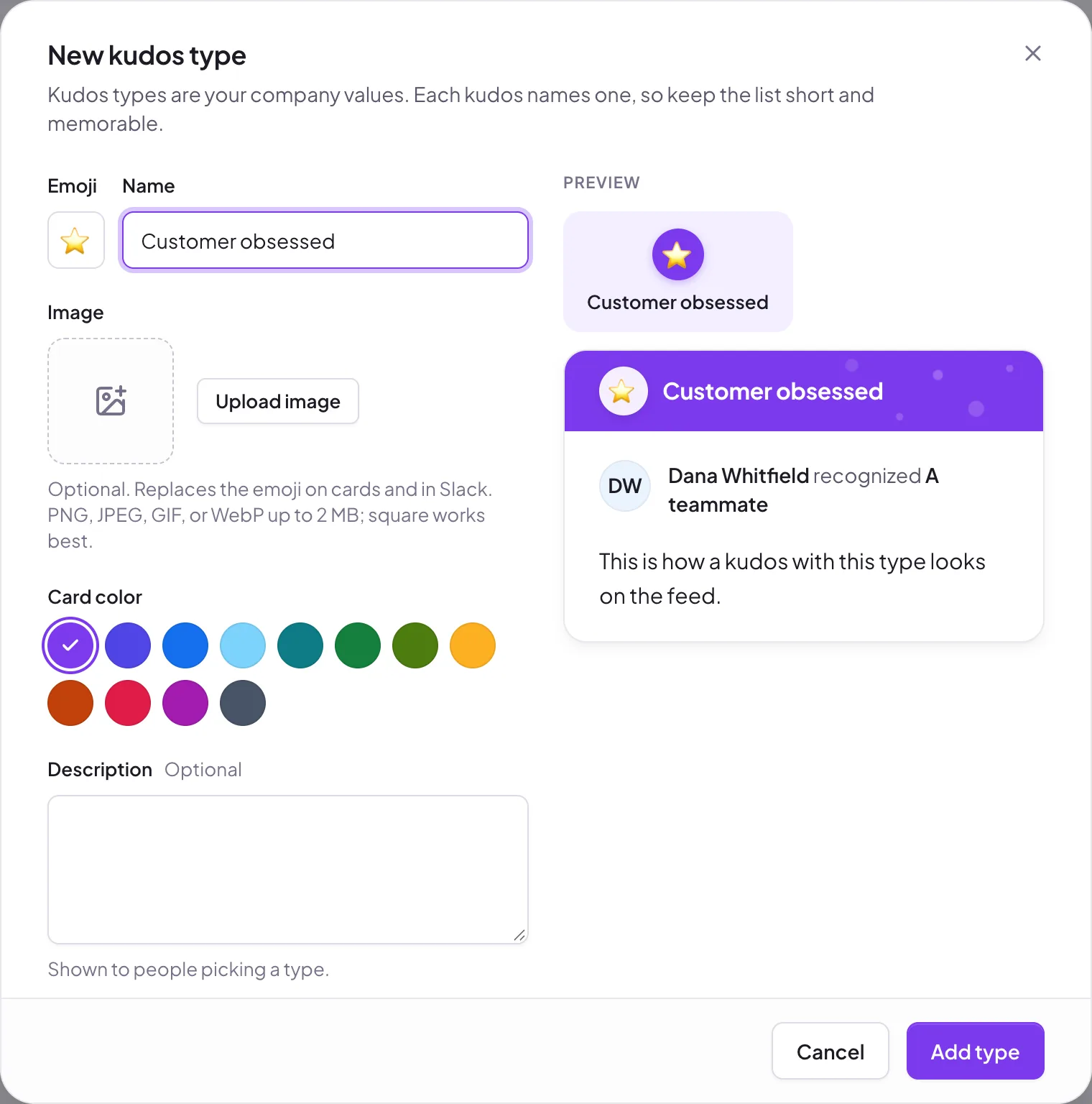
- Fill in:
- Emoji and Name (up to 40 characters, and different from your other types).
- Image (optional): a PNG, JPEG, GIF, or WebP up to 2 MB. It replaces the emoji on cards and in Slack. Square works best.
- Card color: one of twelve colors.
- Description (optional, up to 140 characters): shown to people picking a type.
- Who can give it: All members or Admins only. Admin-only types work well for formal awards.
- Click Add type.
Edit, archive, or delete#
Open the ⋯ menu on a type:
- Edit changes its name, emoji, image, color, description, or who can give it.
- Archive hides it from the kudos form. Past kudos keep their card. Restore brings it back.
- Delete only appears for types that have never been used. Once a type has been used, archive it instead so old kudos still look right.
How many types?#
Six to ten is plenty. With more than that, people spend longer choosing than writing.
Still stuck?
Email us and a person will reply, usually within one working day. hello@pulsido.com