Engagement results
The Engagement Score, eNPS, participation, and the ten metrics, by team.
Who can use this: Owners, executives, and team managers.
Go to Manage → Engagement. Pick the company or a team in the top right. A team includes every team under it.
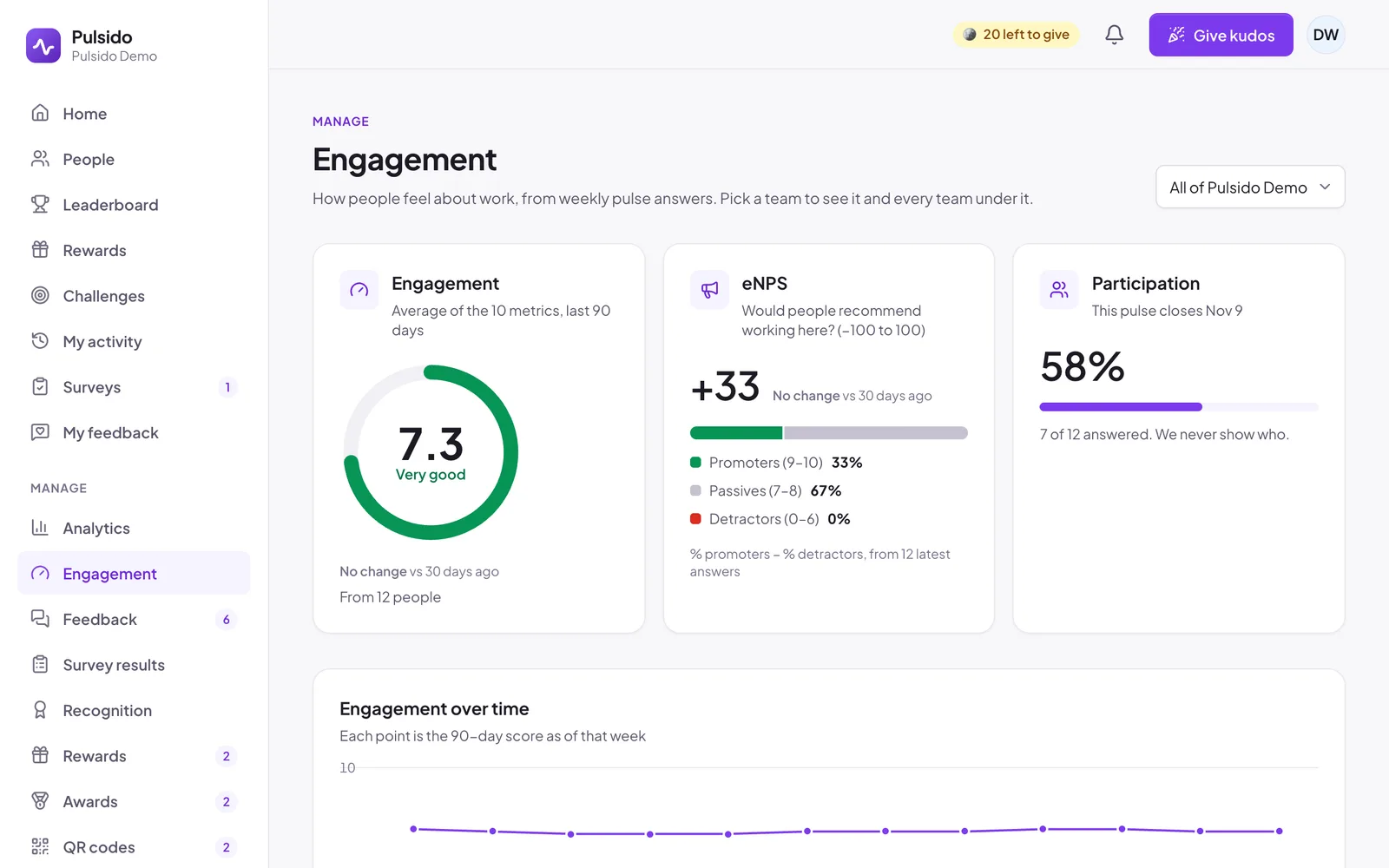
- Engagement: the average of the ten metrics over the last 90 days, with its band (for example Very good) and the change against 30 days ago.
- eNPS: from −100 to 100, with the split of promoters, passives, and detractors.
- Participation: how many people have answered this period's pulse, and when it closes. It never shows who.
- Engagement over time: the 90-day score as of each week.
- Metrics: each of the ten areas with its score, its change, and a trend line. Open one to see its sub-metrics.
Anything with answers from fewer than 3 people says so instead of showing a score. See How the Engagement Score and eNPS are calculated.
Nothing showing?#
- Pulse surveys are off: an admin can turn them on under Manage → Surveys.
- No teams to show: you'll see results once you manage a team.
Still stuck?
Email us and a person will reply, usually within one working day. hello@pulsido.com