Offering gift cards and donations with Tremendous
Connect your own Tremendous account to add gift cards, prepaid cards, and donations to the store.
Who can use this: Owners and admins, or anyone with the Rewards permission.
Pulsido offers gift cards, prepaid Visa and Mastercard cards, and charity donations through Tremendous. Your company uses its own Tremendous account and funds its own balance there. Pulsido never holds your money, and orders are only placed after a request is approved.
Connect#
- Create a Tremendous account if you don't have one, and add funds.
- In Tremendous, go to Team settings → Developers → Add API key, and copy the key.
- In Pulsido, go to Manage → Rewards → Catalog. You'll see Connect Tremendous.
- Paste the API key. Turn on Sandbox key if it's a sandbox key for testing; sandbox orders aren't real and cost nothing.
- Click Connect.
Pulsido stores the key encrypted.
Choose what's in the store#
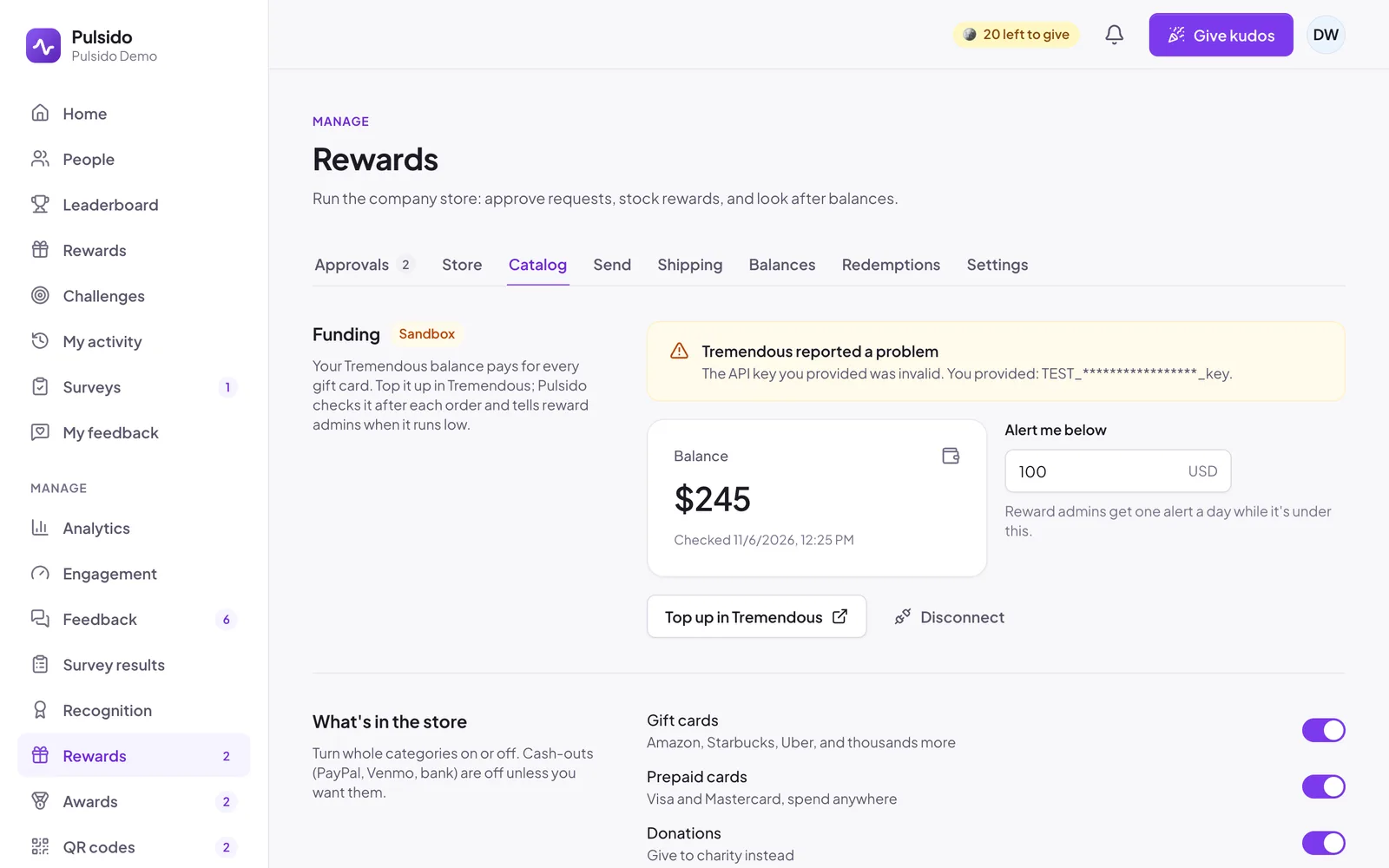
- What's in the store: turn Gift cards, Prepaid cards, Donations, and Cash out (PayPal, Venmo, and bank transfers) on or off. Cash out is off unless you want it.
- Country: the store shows products available in this country, in your store currency. Click Sync catalog after changing it.
- Products: hide any single product you'd rather not offer.
Click Sync catalog any time to pull in Tremendous's latest products. Products Tremendous stops offering are marked unavailable rather than removed.
How a redemption works#
- Someone picks a gift card and an amount. The coins come out of their balance straight away (10 coins = 1 unit of currency).
- The request goes through your normal approval rules, including auto-approve.
- Once approved, Pulsido orders it from your Tremendous balance.
- Tremendous emails the gift card to the person's work email.
If the balance is too low or an order fails, see Funding and failed orders.
Still stuck?
Email us and a person will reply, usually within one working day. hello@pulsido.com